

The design, dev, accounting and project management tools we use as a small Webflow studio, with free and paid options and 2026 prices checked.
Update, September 2026: we've re-checked the prices we quote for Figma, Pixelmator Pro, Xero, Transmit and TimeCamp against each tool's own site and corrected what has changed (Figma, Pixelmator Pro and Xero, mainly). Plans change often, so check each tool's pricing page before you buy. The rest is how we worked at the time.
Over the last few months we've used a lot of tools for a lot of different things, from design, to project management, accounting, etc. Milk Moon Studio is a small Webflow studio, and you might not be into Webflow, but some of what we've used will be useful for not only Webflow experts but small agencies of any kind.
We're going to give you a quick rundown of what we've ended up with and why they are great tools for small agencies.
Design
For this category we use a few different tools. We would like to highlight that our main source of income is web-design and dev so the tools we use lean towards that end of the Webflow design workflow spectrum.
Figma: free and paid
Price: Start free, pay if you grow.
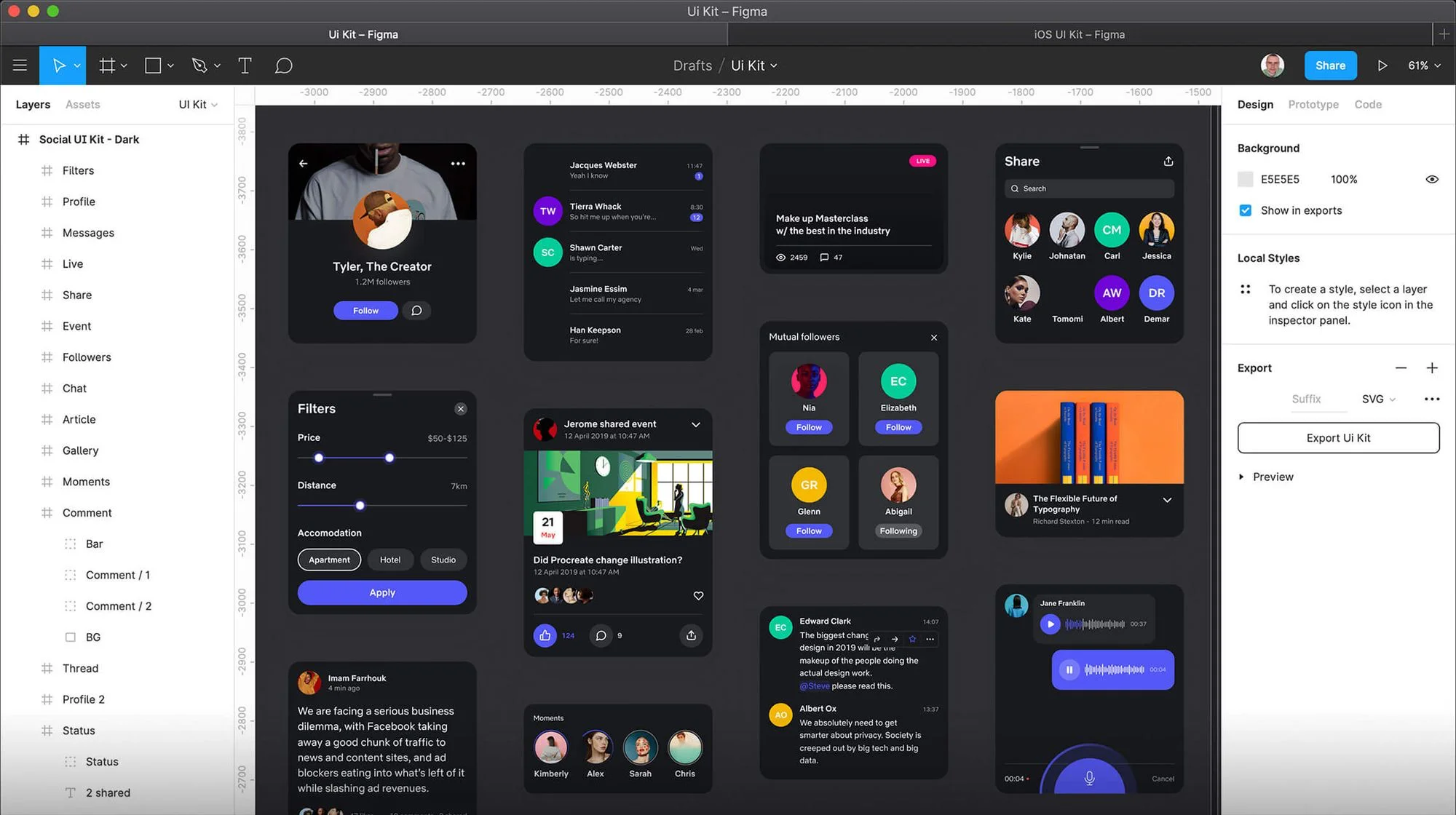
As most of our design work is related to the sites we build Figma has been a game changer. The tool is free to start, which is great, but we've moved on to a paid plan. If you're very small or just a freelancer you can get away with the free plan, as long as you're happy with its limits (at the time of writing Figma's Starter plan allows three files). The main reason we've moved to a paid plan is just the fact that we've grown past the point where we can only work on 1 team project.
But let's dig in, what makes Figma the way to go:
- Well it's cheap, a Full seat on the Professional plan is $16 per user per month (the old $12 price is now the Dev seat), and this will give you custom user permissions, great collaboration with other designers, devs and clients as well as unlimited versioning.
- It comes with a desktop app, but you can use it right in your browser, another great feature when you're working with clients, they get to follow along and comment etc without having to install anything.
- Collaboration has never been this easy, you can see others working around you in the same file without any issues.
- It comes with a great plugin library.
- It's lightweight, we did mention it runs right in the browser, right?
- Getting feedback from clients is just so so simple, all they need to do is click and add a comment anywhere on anything.
- Prototyping, this takes a little getting used to, but the client is actually able to interact with the site or app or whatever you're building as if it was the final product, getting to see the flows and interactions. We typically build everything in Figma first and once we have a happy client and complete signup we start building the actual site.
- Moving from design to dev, it's just so easy, with Figma we get to go from a very pretty visual design and move that to pixel perfect builds.
- We're not gonna list everything here, but go ahead and look at the features over here.
We've tried a lot of tools, from Sketch to Adobe XD and in a land before time Photoshop and Illustrator, but for the time being we're not budging on this one.
Pixelmator Pro
Price: Paid, $49.99
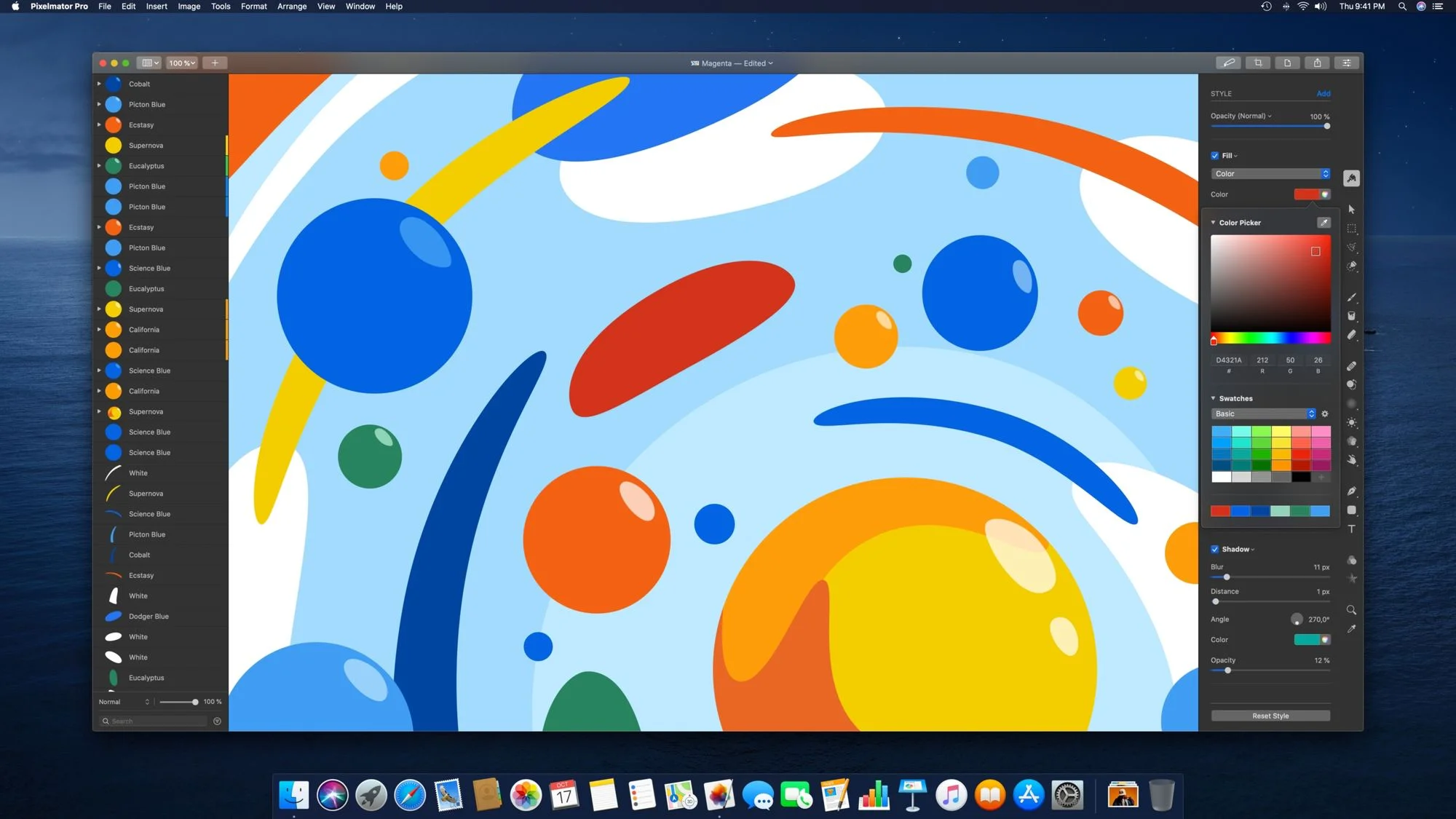
So this guy is paid for, and on Mac, but we love it. Like we said before, we mostly design for web, we don't have 2000 images that need to run through Lightroom or very heavy edits for Photoshop, but this once off purchase is worth it. It has everything we need from Photoshop and not all the stuff we don't but would end up paying for. Before we even start, head over and get the trial, you'll love it. (Update: Pixelmator is now part of Apple, and since January 2026 the Mac app is also included in the Apple Creator Studio subscription at $12.99 a month.) Much like Photoshop, there are a ton of features, but we'll just tell you it's great for web, supports vectors and SVGs, not bad at touchups, it's got some machine learning features that are great for web design (Did the client give you that image you need for the header but it's half the size you need? Let Pixelmator's ML algorithm resize that for you without a drop in quality) and match the colour and style of any photo so your designs are always uniform. Finally, it's very light on resources compared to Photoshop and at a fraction of the price. Check out everything it has to offer here.
Dev
Webflow
Price: Free and Paid
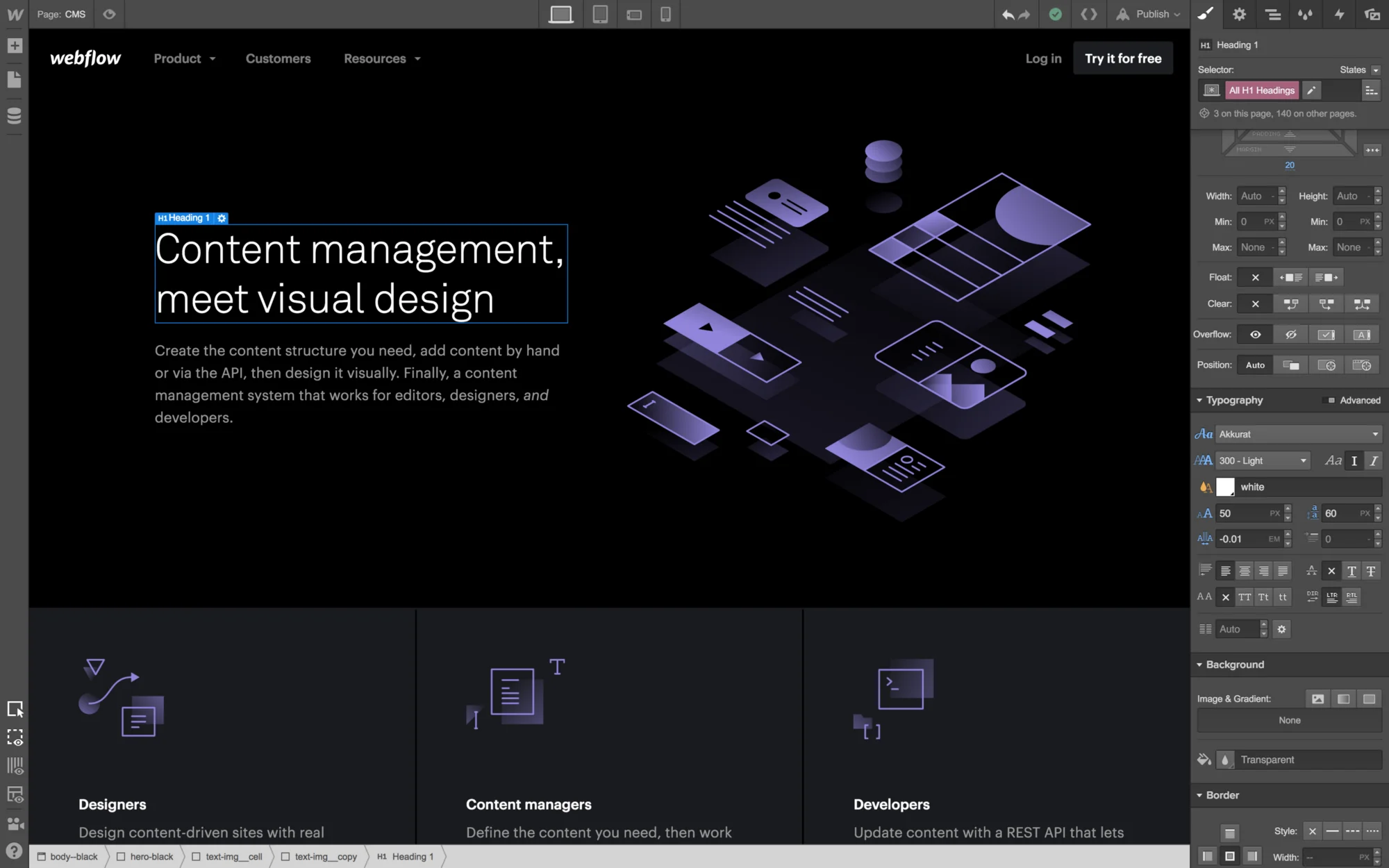
We're gonna chuck this in first as Webflow like to toot their horn by saying they're a design and dev platform. We've never designed in Webflow, we like getting that out of the way and then build in Webflow, but you could if you wanted to. We're not gonna list why we like Webflow apart from saying it's mostly no-code, lightweight and we love it. You can read more on why we like Webflow here. We've been using Webflow exclusively for more than 2 years and it's great. There are areas where the platform can improve, one being support for payment platforms other than Stripe and PayPal, but in terms of design you have very little restrictions and this puts it way, way above the competition.
In terms of pricing it's very competitive, if you're a freelancer working on one or two projects at a time and hand them over to clients you can stay on the free plan with no restrictions. We're on a team plan that allows us to collaborate on projects and pretty much removes any other restrictions. (If you're wondering how seats, roles and Workspace plans work today, we explain Webflow roles, seats and pricing in a separate post.) It's not the cheapest but it is the best and like we said free to start so dig in.
A final word would be to mention that there's a massive library of tutorials to get you started and the community is super helpful and active, from Discord to forums, there's a lot of help out there if you get stuck. We've even created some how-tos that you can find here or even on their forums.
BBEdit
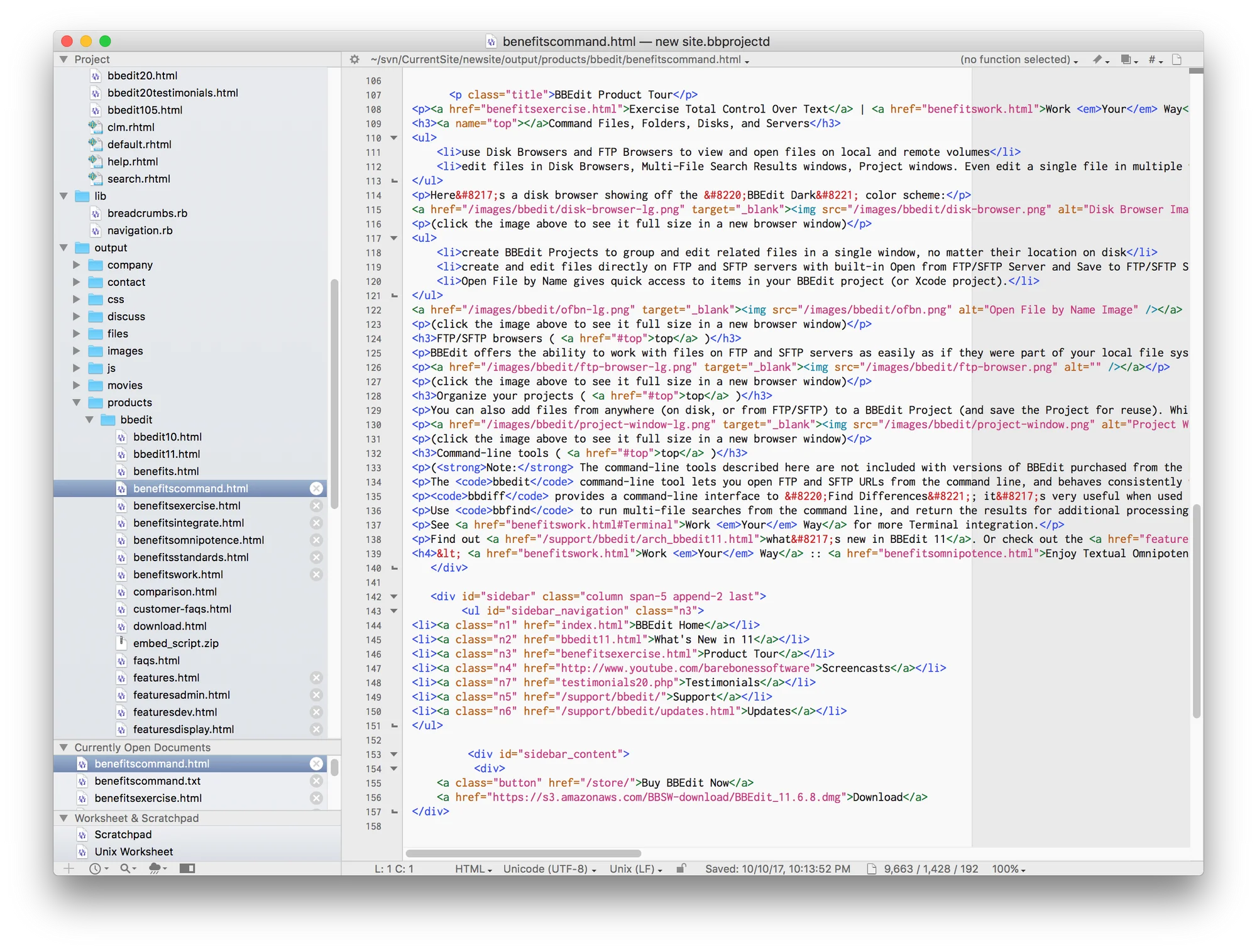
Price: free and paid
As their motto goes, it doesn't suck. Like we said above, we use Webflow and while Webflow likes to say they're no-code, for us it usually turns out that a project is low code, and when you have to edit, beg, borrow or steal that code, it's usually best to do all of that in BBEdit. We highly recommend it not only for code but also other things like cleaning up that txt or word doc filled with crappy formatting that client forwarded on to you.
Transmit
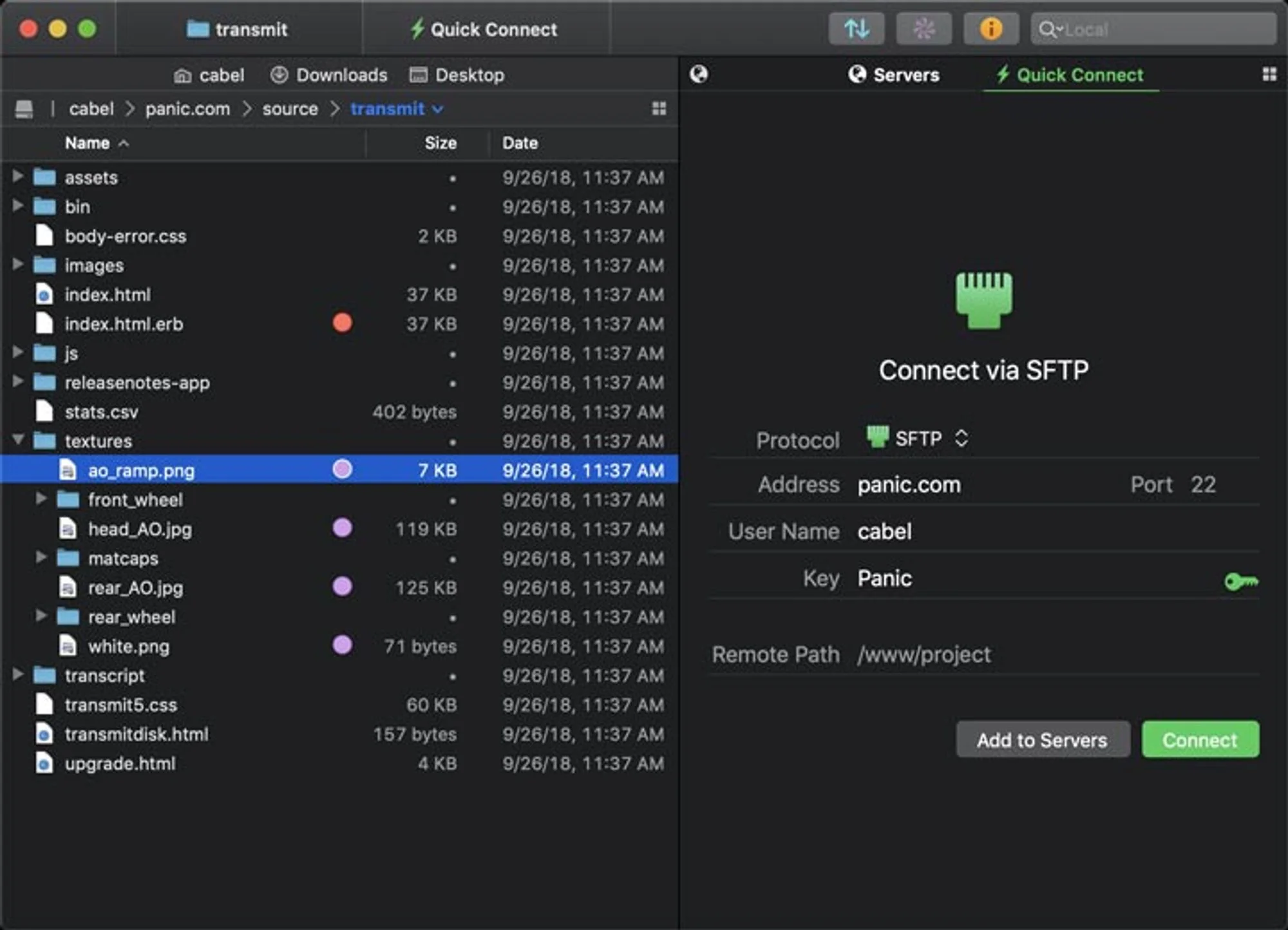
Price: paid, $45
If you're in our business you're eventually gonna end up needing an FTP app, and Transmit is the one for us. There are a ton of free ones out there, but this is a once-off purchase and it just works, which is why we like it. Need to sync 10 gigs of data based on different rules, it can do that, and just so much more. Trust us, we've tried them all over the years and we just love this one. It's so simple and yet so powerful. Move files from Dropbox or Drive to an FTP server or your machine, simple and fast.
Accounting and time tracking
Xero
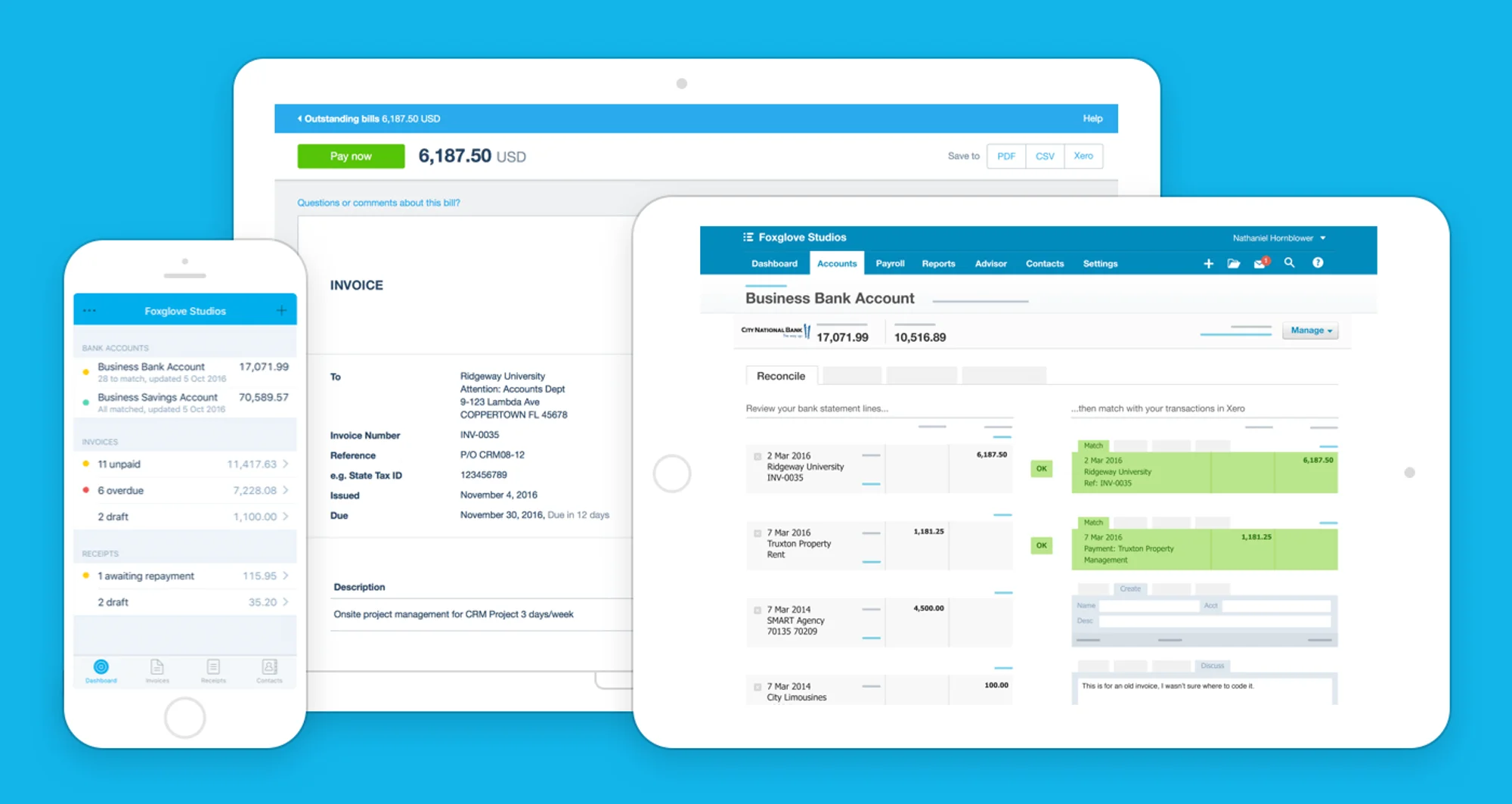
Price: Paid, from $25 a month
When we started doing our own thing accounting was the biggest obstacle. We had no idea what we were doing and we needed help. We tried QuickBooks and Sage and ended up going with the platform from the land down under. Xero has saved our asses more than once and made accounting, quoting, invoicing, VAT, and doing it all in different currencies so easy.
Apart from making sure you don't end up with tax headaches, the tool has just helped us with so much. We use it to quote, our time tracking software integrates directly with it so that we can just send an invoice with 3 clicks. It integrates with our PayPal account, pulls in our bank feeds, manages our VAT and has all the things we need when tax season comes around. We cannot recommend this tool enough. Expenses are easy to track as we can literally just take a pic of a till slip with the app and it's in and ready to reconcile.
Best of all, when we screw up we undo and fix. We'd also recommend going for the top Established plan (multi-currency is only on that one, at $90 a month on the US plan) if you work with overseas clients so you can quote and invoice in other currencies, Xero will do all the conversions and in our case we've got it linked to PayPal and Payfast so the client doesn't need to do a SWIFT payment, they just click right in the invoice and pay via credit card or PayPal, so easy and fast.
TimeCamp
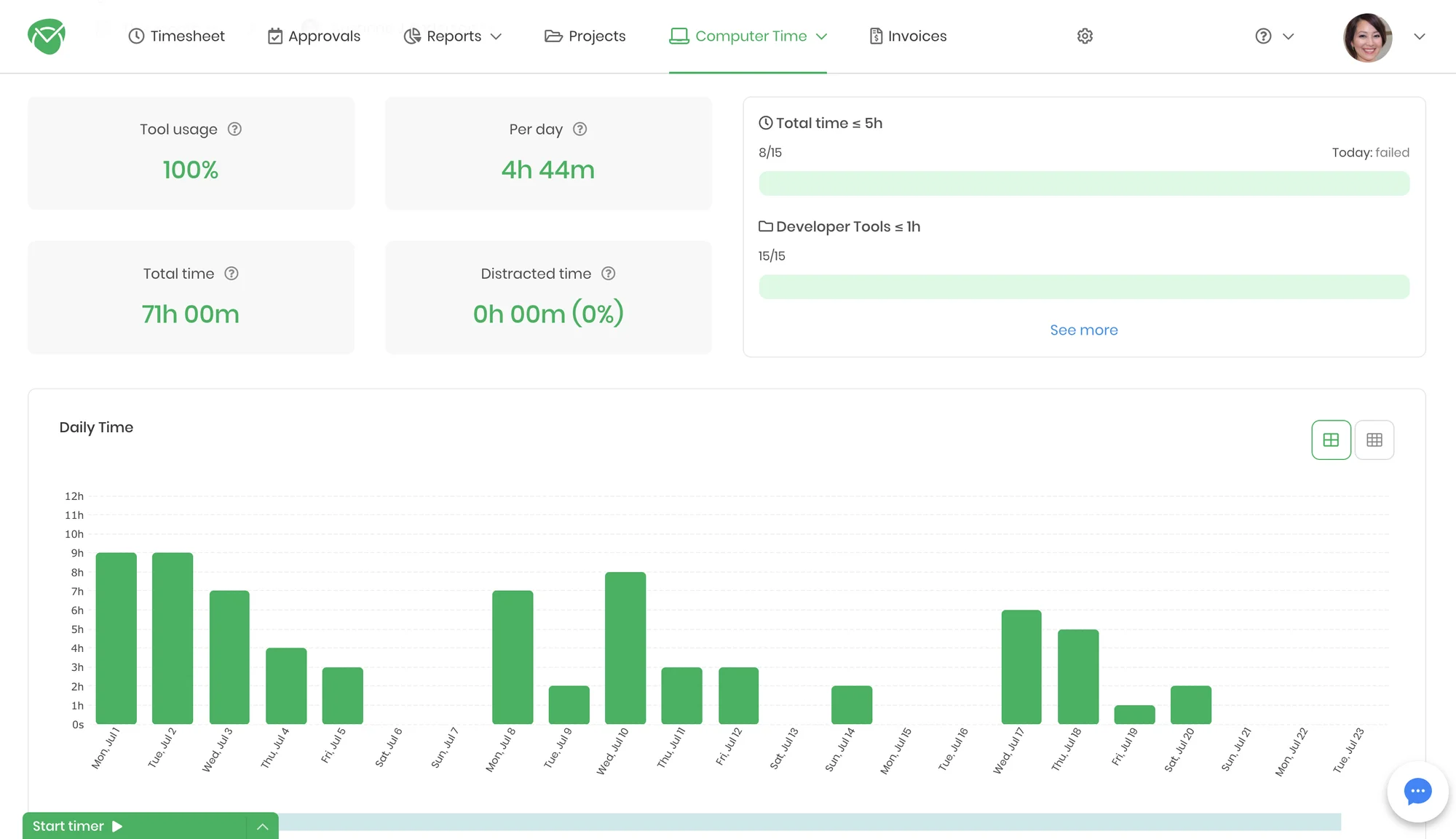
Price: Start free, pay as you grow
Not gonna lie, we've tried a lot of tools when it comes to tracking our time, and you might say you don't need it, but it's a life saver. You might charge per project and not worry about time, but this tool will make sure you don't flush money down the toilet even if you don't charge by the hour. Whether you need to quote and don't know how many hours to estimate for something or just bill a client for ad-hoc work, this tool is a lifesaver. Also it integrates with literally everything. When that time of the month comes round we just hit invoice and it sends the data straight to Xero so we can send to the client with just a click and they can see a detailed breakdown of what they're paying for. (The Xero export is on TimeCamp's paid Premium plan and above, not the free one.)
It's got all the usual features, track tasks by starting and stopping a timer or adding hours manually, use the app to track everything happening on your machine. Forgot what you did last night, just go check how many hours you spent in Webflow or any app or tab on your browser. Start timers from calendar entries, your project management tools like Trello or Asana. Pull in tasks from those tools or clients from Xero. See estimates so you can let clients know you've already burnt through 89% of their retainer and they're gonna run out. Manage expectations by monitoring which tasks are over or under estimates. We couldn't run our business without this tool. All we can say is get it, it's worth every penny in terms of the time it saves and the benefits it provides. We can't begin to list all the features and integrations, just contact them and ask for a demo. Oh, and if you're not going down the Xero route you can invoice straight out of TimeCamp if you want.
Project management
Trello
Price: Free and Paid
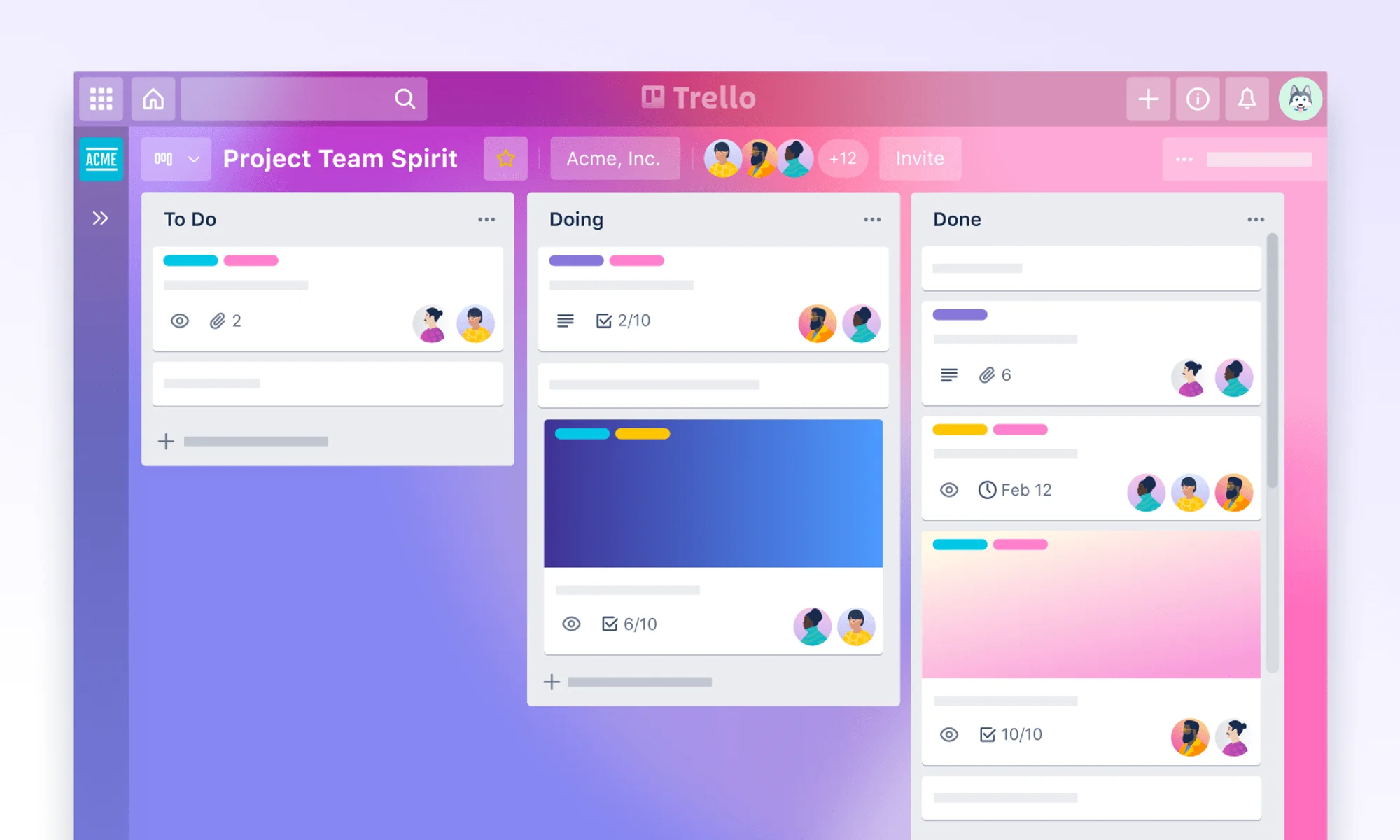
We used to manage all our projects in Trello. It's great, it's simple and we get to see exactly what we're doing, what we need to do, and as a bonus we add our clients so they can see that as well, and what they owe us. It might look simple and limited on the surface, but it can get pretty complex. We use all kinds of board rules to automate tasks and it integrates with a range of tools. Our Figma designs live in Trello, or tasks are imported from Trello into TimeCamp and tracked right in Trello via TimeCamp. It posts updates to our Slack channels and the other way around. We love it and we couldn't live without it. Yes, you have to pay to have all this, but it's worth it. We've used other tools, the closest we've come was Asana, but when it comes to bang for buck Trello gave us more.
It works in both the browser or the app, and on desktop and mobile. It makes it easy for clients to collaborate and stay up to date. We'll admit that in recent months we have moved to Notion for our project management, but that came about because we started using it for so many other things, and Trello is still a super solid solution.
Slack
Price: Free and Paid
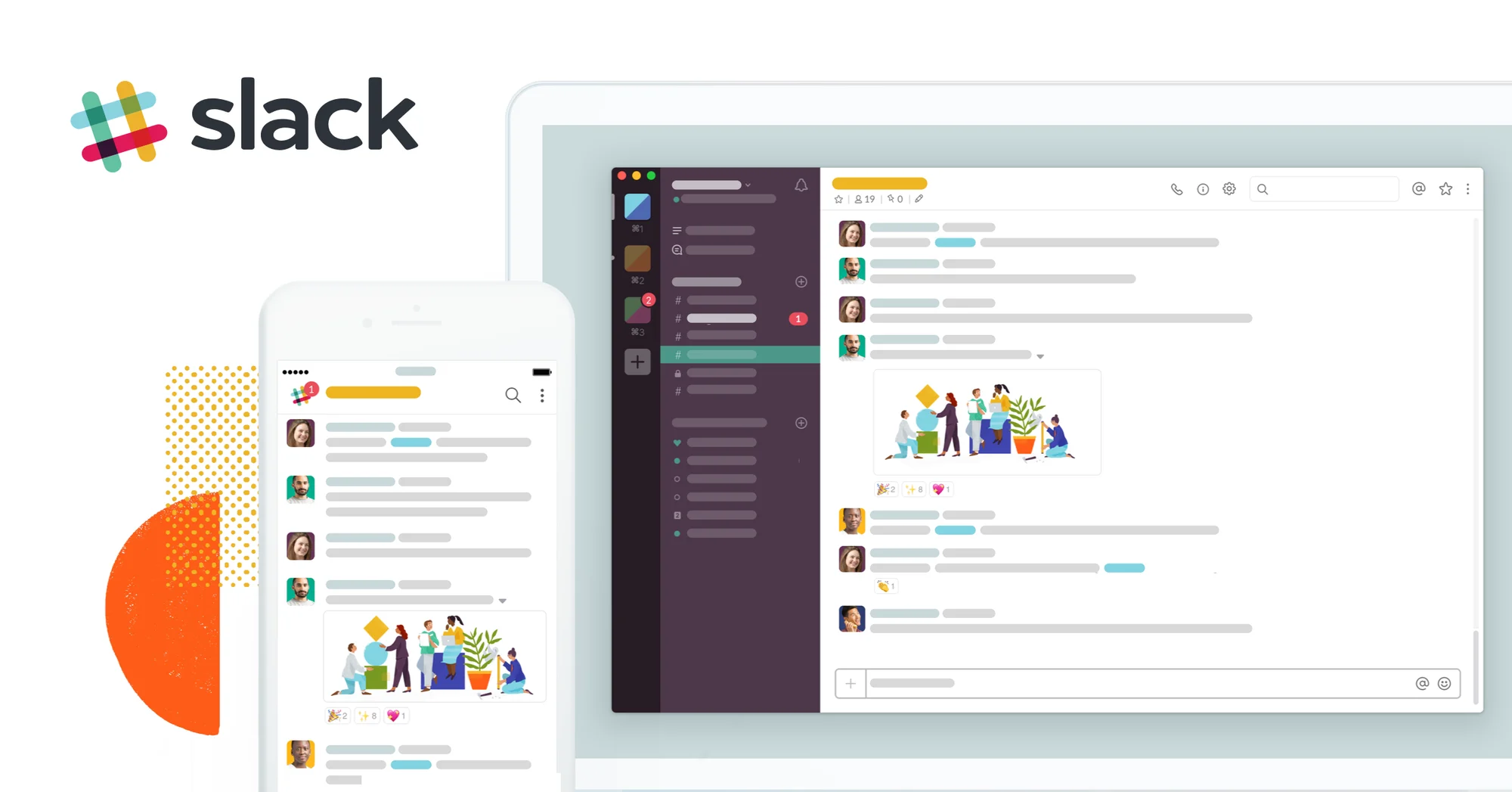
Yeah, email is dead. We send out invoices via Xero and we reply via email when a client contacts us for the first time, for the rest, well there's Slack. Every message and file ever sent or received from a client lives here. It integrates with our other tools and speeds up turnaround times. Forget Skype, WhatsApp, Teams anything else you've ever used for chat, or maybe even video or voice collaboration, it's all here. What's more, we use Zapier to connect it with everything else it doesn't natively connect to. When you contact us on the site, it doesn't end up in our mailbox, it ends up in a Slack Channel. Nothing is ever lost, it's searchable and on every platform from desktop to tablet and mobile. What's more, most of our clients use this anyway, we just connect them to our Slack via Slack Connect and we're up and running, and the rest? Well we just invite them to a channel as a guest. We've been using Slack for years and we're not likely to switch anytime soon.
Notion
Price: Free and Paid
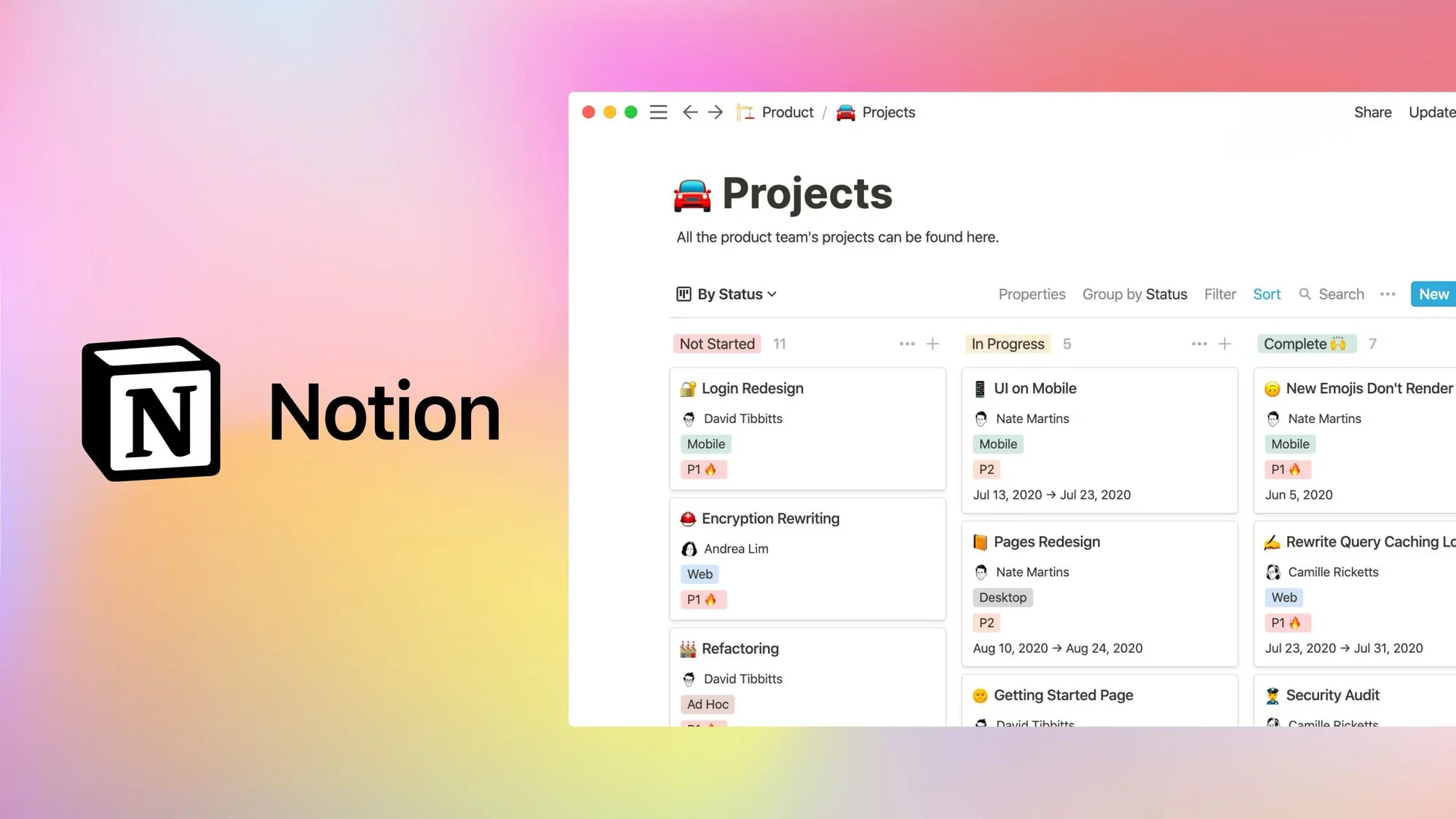
Notion has both free and paid versions, it's worth every penny if you want to pay. There's not much we can say about Notion. It does it all for us when it comes to documentation, project management, AI and so much more. Almost everything internal at Milk Moon Studio now runs through Notion in some form or another, and our clients can stay up to date on what's happening with shared permissions. It's extremely versatile and powerful. One caveat, to harness the full power of Notion you're gonna have to build some of your own templates for stuff. There are a lot out there, but if you want things to work just the way you want you must invest some time. Our final word on Notion, sync blocks, OMG, they just, I can't even, they're sync blocks, blocks that sync, wherever you use them, over and over and over, and did I mention they sync. Anyhow, that's Notion.
Wrike
Price: Free and Paid
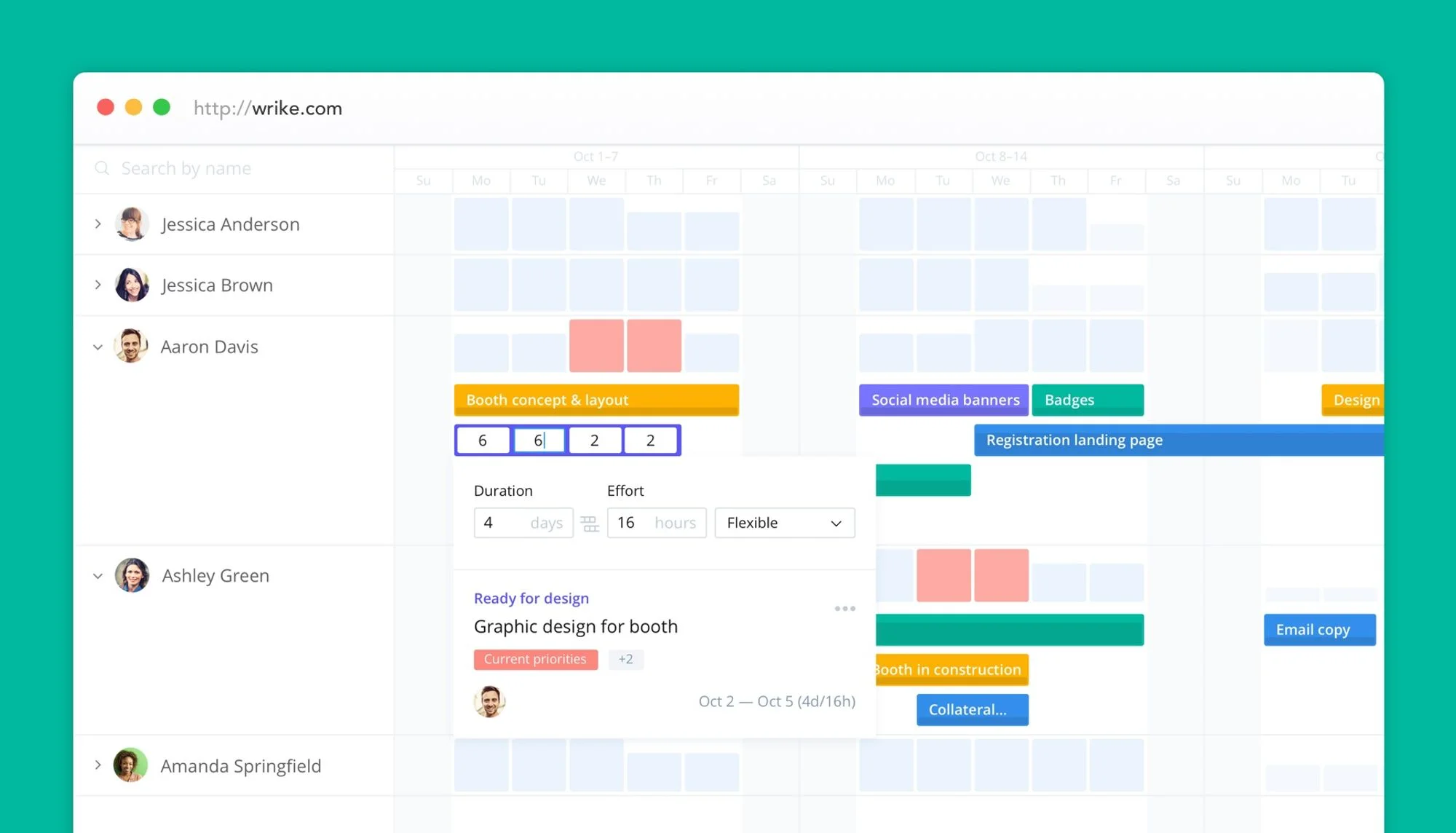
Another great workflow management tool. Wrike has a lot to offer. Think of the ease of using Trello, but with all the bits and bobs we love in Trello that we don't have to add-on and pay for as extras like we used to in Trello. It's great if you need to see the whole picture and not just focus on what you have to do today. Wrike gives you a whole range of views right out of the box from Gantt charts to dashboard analytics. The great part of course is that this is real workflow management and not just project management, and for designers like us the best part is the proofing and approvals part of the tool that allows for collaboration and approval of assets, both internally and with outside stakeholders. It's not just for designers either, you can pop someone a boring old Word doc or PDF etc, so very useful.
We're waiting for direct Figma integration, but they support XD, so only a matter of time now with Adobe's acquisition and XD's eventual demise. (2026 note: it wasn't. Adobe and Figma called off the acquisition in December 2023, XD has been in maintenance mode since 2023 and can no longer be bought on its own, and Wrike's own community lists a Figma integration as "Not planned". Proofing tools like Ziflow can connect the two if you need it.) I'm also going to be honest, while we're still on Notion, having looked at Wrike's mobile app, project management on the go seems a lot simpler than trying to use Notion on my phone. So, with all the apps that currently integrate with it and their support team confirming recently that they're considering adding Figma we might be trying this out as a workflow replacement instead of just exploring for now.
Email and Cloud
Google Workspace
Price: Paid
Yeah, we just said we don't use mail, but we still need it and using Google Workspace gives us more than just mail. We have a ton of storage in the cloud and shared company drives, our calendars are synced and visible, we use Meet for calls and record everything effortlessly, we've got Google Drive, so no Microsoft Word, Excel or PowerPoint needed. It's well worth the price and it integrates with most of the tools we've listed above. If it's just you and you don't want to pay you can get most of this tied to your regular old Gmail Account.
And that's a wrap, these are the tools we use most for regular day to day office stuff. We do have a ton of other platforms we use, but they're very task specific such as Google Data Studio for clients' analytics dashboards.
If you're also hunting for browser add-ons, we keep a list of essential Chrome extensions for Webflow, and there's more like this in the Tools section of our blog.
Frequently asked questions
Is Figma free for freelancers?
Yes, Figma has a free Starter plan, which suits a freelancer with a few active projects, though it caps you at three files and one team project. We only moved to a paid plan once we outgrew that, and a Full seat on the Professional plan now starts at $16 per month.
Which tools do small design agencies actually need?
A design tool (we use Figma), a build platform (Webflow), accounting and time tracking (Xero and TimeCamp), project management and chat (Trello, Notion and Slack) and email and storage (Google Workspace). Start with the free tiers and only pay once a tool saves you more than it costs.
How do agencies share work-in-progress sites with clients?
We share Figma prototypes by link so clients can click through and comment, then a Webflow staging link once the build starts. Webflow also has free reviewer seats for client feedback, which we cover in our post on Webflow roles, seats and pricing.
Do I need time tracking if I charge per project?
Yes, because it shows you where the hours really go, which makes the next quote more accurate. We go into the cost side of quoting in understanding the cost of a website.
If you have any questions or recommendations about tools for small agencies, please hit us up in the comments.