

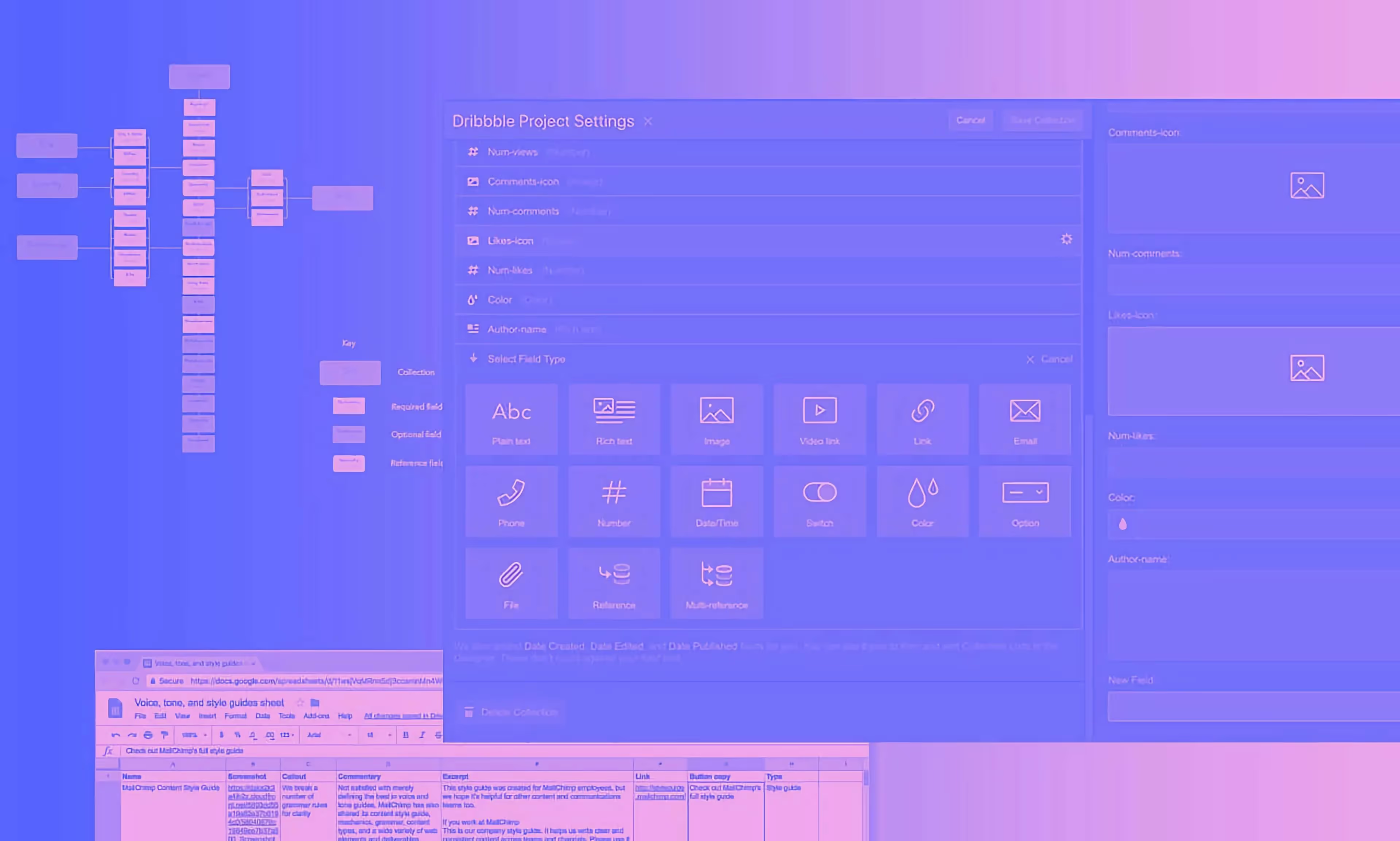
Why use Webflow? Ten reasons it works for our small studio: complete design freedom, easy on-page edits, no plugins, built-in SEO, strong security and clean code.
Here are the ten reasons Webflow works for us at Milk Moon Studio, and why we've never seriously thought about switching. If you're wondering why use Webflow at all, this is our honest answer after years of building client sites with it.
1. Constant new features, and a community that helps
Webflow’s commitment to continue bringing out new features and creating mini-courses on Webflow University means that I can’t see us moving away from it. If you can think of something that we didn't think of building, they've probably thought of doing it and created a how-to. But it doesn't just stop with Webflow: the Webflow community is incredibly dedicated and always there to help. We not only find advice on the Webflow forums on a daily basis, but give it as well. You can find some of our how-tos right here on the site. When we figure something out we share it, and that goes for the thousands of Webflow experts out there.

(If you know, you know)
2. Complete design freedom
There are so many WordPress agencies out there that just buy a theme, stick in your logo and charge you. With Webflow you get to create what you want. We've never built a site for a client using a template, not because there aren't templates out there, but because we have so much freedom and flexibility with Webflow that we can create your vision from scratch. You want the site upside down, we can do that, yes, it'll be hard to read, not very practical and probably useless, but it is possible. If you're weighing up what a custom build costs, our post on understanding the cost of a website breaks it down.
3. On-page editing that clients can actually use
The Webflow CMS allows edits on-page, which is especially great for handover, allowing the client to make changes in minutes without needing us. No complicated editor required. Need to edit that call to action, change the link and the image? Just go to the page, click right in the copy, change, and publish. That's it, you're done. Whoops, Snape broke the flow. Don't worry, all changes get backed up, so let's revert and we're back. Who can edit what is down to Webflow roles, seats and pricing, which we've explained in plain English.

4. No plugins, no updates, no worries
No plugins. No updates, no worries. With Webflow, there’s no need to update your software or manage outdated plugins. That means less time spent on DevOps and more time on… well, whatever you want.

5. Powerful and highly customisable
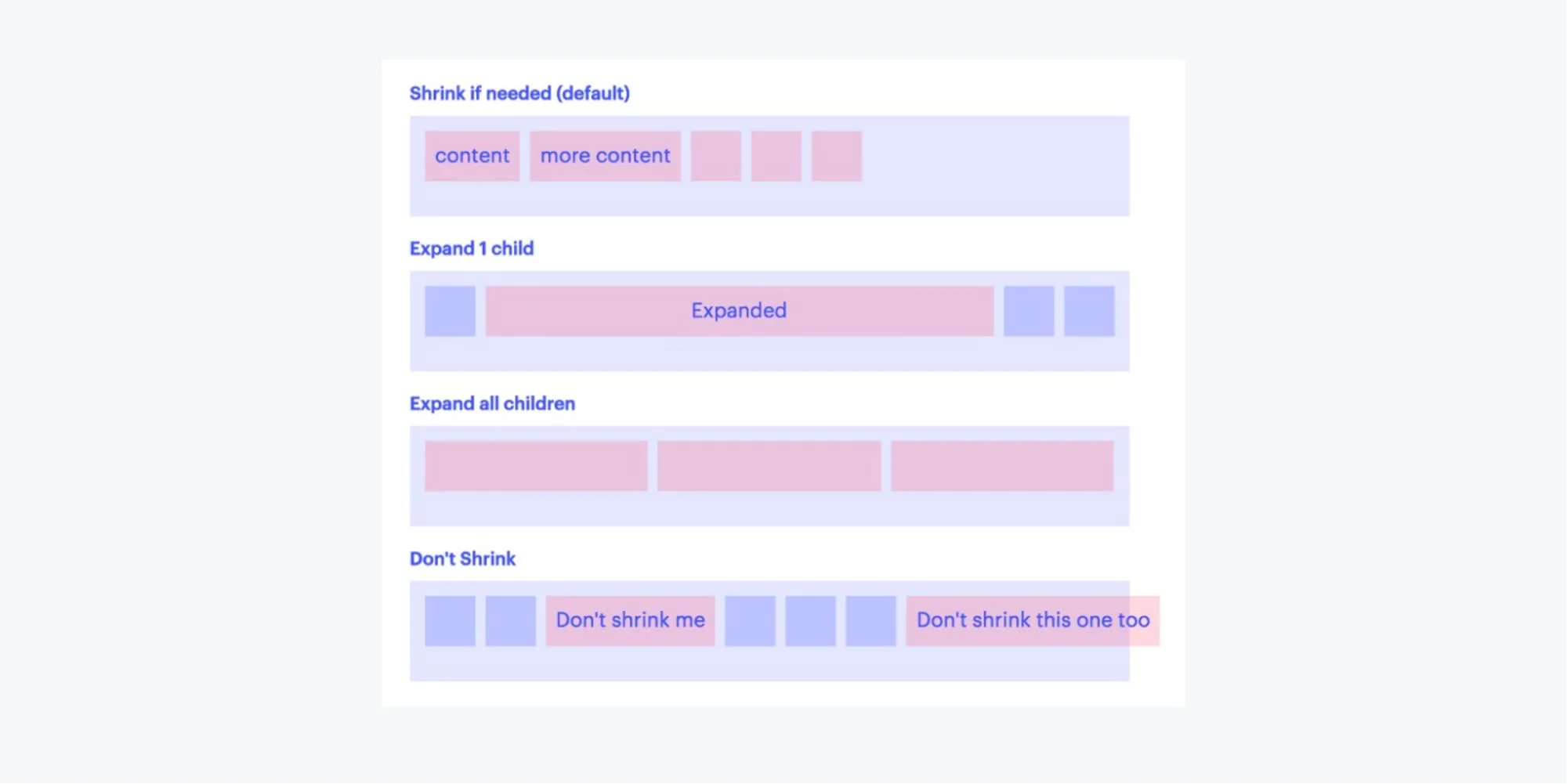
Unlike other ‘website builder’ platforms such as Squarespace and Wix, Webflow is very powerful and highly customisable, so you're not stuck doing something one way. Want to use Grid for a layout? Ooh, that doesn't work, let's mix it up with some Flexbox, or both, or neither. (Not sure what those terms mean? Grid and Flexbox are two CSS layout systems for arranging elements on a page. For other web design jargon, our web design glossary explains the terms clients ask about most.)
6. SEO controls built in
Webflow has all the SEO controls you need built right in, with zero maintenance, no security hassles, and a flexible CMS.

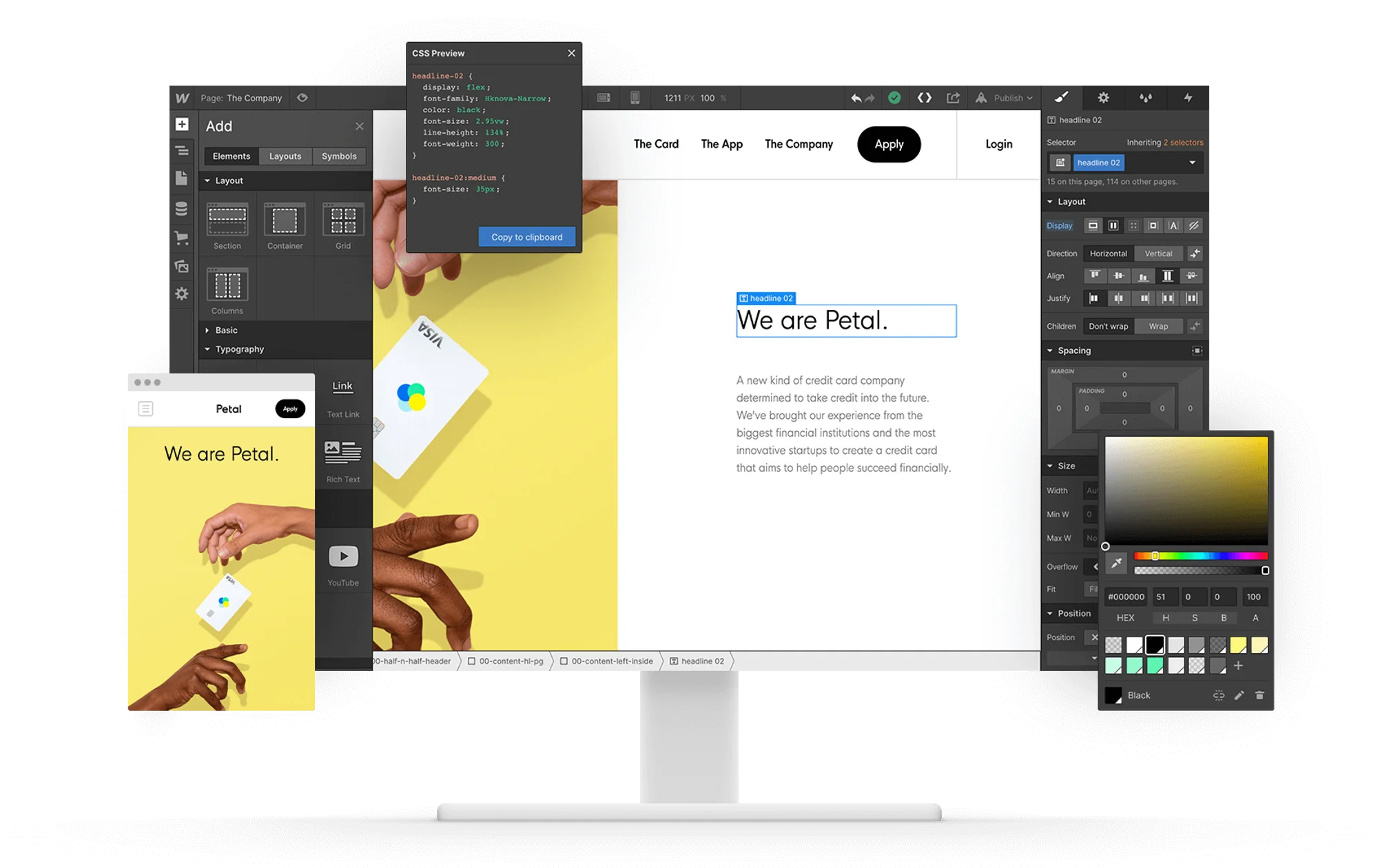
7. Visual building with real HTML, CSS and JavaScript
We build visually with the power of HTML, CSS, and JavaScript in a completely visual canvas.
8. Security and peace of mind
Security and peace of mind are included. No security updates or plugin maintenance means a much lower risk of your site being taken down when something becomes obsolete or outdated. Not only that, backend access to your site can be protected with two-factor logins, and we switch that on, which means that even if our machines are ever compromised, attackers still won't be able to use your passwords to gain access to the backend.
9. Clean, semantic markup you can take with you
Clean, semantic markup that makes developers and search engines happy. Everyone will understand your code, and that's important if you decide to move away or host the site yourself. Just hit export and you have clean, understandable code for your pages, styles, scripts and images. Code export needs a paid Workspace plan, and CMS content, forms, site search and localised pages don't come along, so the content side needs its own plan. Class naming matters here too, which is why we're fans of Finsweet Client-First.

10. Sites that rank well
Clean, understandable code, a good site structure and properly tagged pages all help build sites that rank well on Google and other search engines. It's not all up to Webflow, but the platform gives you the tools you need, and with a little planning and foresight you can achieve what you want.
We're just a small Webflow studio. We've tried to be the best Webflow designers we can be, we've tried to become Webflow experts, and for the reasons above we'll keep trying to push the boundaries of Webflow design. Still deciding whether a studio is the right route? Here are the pros and cons of using Webflow, or get in touch and tell us about your project.
Frequently asked questions
Why use Webflow instead of WordPress?
Because you get complete design freedom without themes, plugins or update maintenance. You build what you want from scratch, visually, and your client can edit the content on the page without a complicated editor.
Is Webflow good for SEO?
Yes. Webflow has the SEO controls you need built in, and it outputs clean, semantic markup. It isn't all up to the platform, though: good site structure and properly tagged pages still need some planning.
Is Webflow secure?
There are no plugins or security updates to maintain, which removes a common way sites get taken down, and backend access can be protected with two-factor logins.
Can you export your Webflow site?
Yes, with limits. On a paid Workspace plan you can export your pages as clean, understandable HTML, CSS, JavaScript and images, which matters if you ever decide to move away or host the site yourself. CMS content, form handling, site search and localised content are not part of the code export, so those need their own migration plan.