
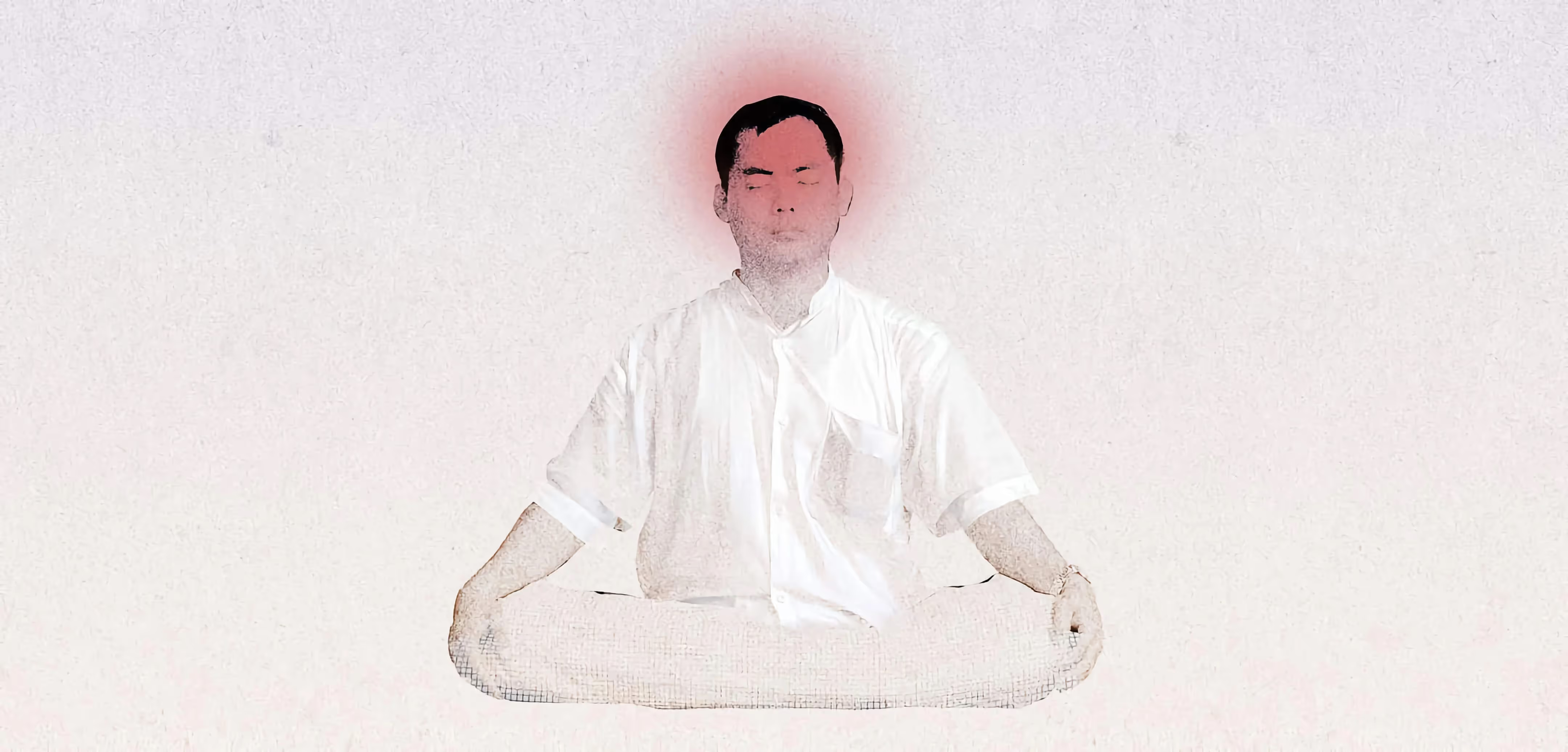
Half of teens say they feel addicted to their phones. Eight easy digital detox tips, from notifications to a no-tech bedroom, that work without breaking up with your phone.
If you use technology daily, whether at home or at work, you need some digital balance, but you won’t necessarily realise it. Here at Milk Moon Studio, we sit with our faces glued to Figma and Webflow all day (there’s a reason we wrote 10 reasons Webflow works for Milk Moon), and we decided we needed a break. So we went from 100% Webflow studio mode to a more balanced approach to work-life balance. We hope some of the tips below help you in the same way.
The key to staying sane in our hyperconnected world is adopting healthy and sustainable habits around the way we use tech so that you are in control of it. You’re not alone in finding that hard: a 2016 survey by Common Sense Media found that 50% of teens say they feel addicted to their mobile devices, and 59% of their parents agree.
8 super manageable tips to do a digital detox (without breaking up with your phone)
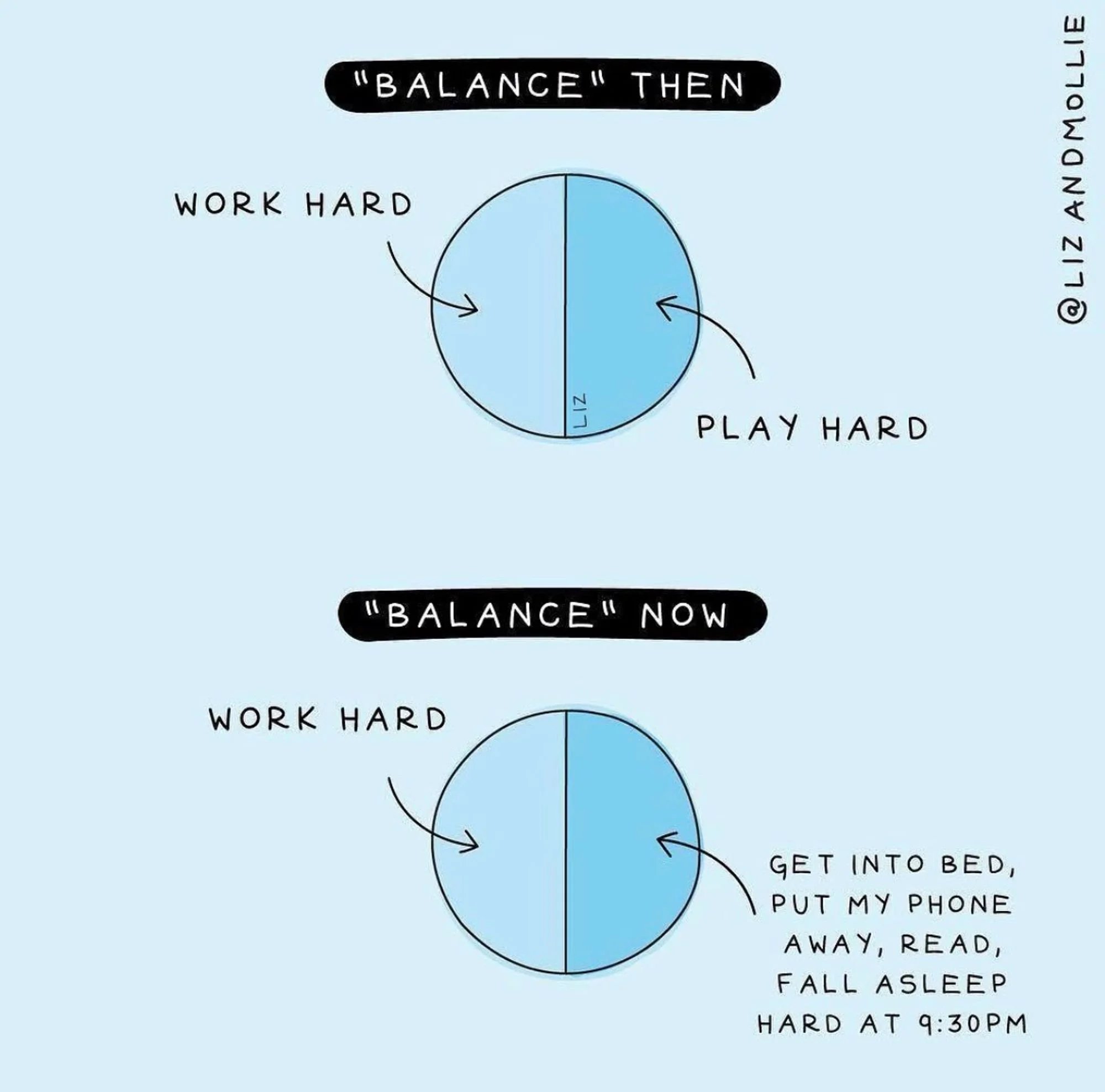
- Turn off push notifications. Getting constant updates on what’s happening in the world is informative, but it can also be distracting.
- Put away your phone during meals. Try to direct your present energy towards whoever is in the room with you.

- Designate tech-free hours. Many of us feel "naked" when we’re without our devices, but taking breaks from technology can do wonders for our well-being. If you're on a Mac, you can try the Focus settings (they arrived with Monterey) to give you some time off. On an iPhone, Screen Time’s Downtime does the same job, and Android has Digital Wellbeing.
- Make your bedroom a no-tech zone. Think better sleep, and more snuggles ;)
- Rediscover paper. Not only do books offer fewer distractions, but research suggests that we understand informational texts better when we read them on paper.
- Limit yourself to one screen at a time. Make a habit of only looking at one screen at a time to improve concentration and, in some cases, enjoyment.
- Spring-clean your social media accounts. Facebook and Instagram help us to connect with people in unprecedented and truly gratifying ways. Keep it that way and unfollow all accounts that don’t make you feel good.
- Download the right apps. It seems counterintuitive, but these apps can actually help you cut back on, well, all things digital. The Moment app tracked how often you used your iPhone and let you set daily limits (it shut down in 2021, and the Screen Time built into your iPhone now does the same job); the Freedom app lets you block whatever sites distract you on your mobile device or computer, with the goal of helping you focus; and Off-Time, an app that let you selectively block calls, texts and notifications, has vanished from Google Play, so on Android use the Digital Wellbeing Focus mode mentioned above (an iPhone’s “Do Not Disturb” setting offers a similar service). A former ‘App of the Year’, Calm aims to make you the most relaxed version of yourself possible.
Taking a digital detox sounds a little woo-woo, but when you aren’t sheltering your attention behind a screen, you might realise you have more free time than you think.
It helps you take more control of your life and your attention so you can focus on what really brings you joy, whatever that may be.
And when you do step away from the screen, there’s plenty to look at. Webb makes art about our daily tether to software and hardware, and the Covid Art Museum was born from lockdown in Barcelona. If you’d rather make the screens you do use a bit kinder on the planet, here are 6 ways to create more sustainable websites, and there’s more where that came from on the blog.
Digital detox FAQ
What is a digital detox?
A digital detox is a planned break from the screens and apps that eat your attention, like your phone, social media and notifications. It doesn’t mean giving up technology for good. It means deciding when and how you use it, so you’re the one in control.
What are digital detox tips that actually work?
The small ones you can keep up: turn off push notifications, put your phone away during meals, keep the bedroom tech-free and stick to one screen at a time. Start with one from the list above rather than all eight at once.
How long should a digital detox last?
There’s no official length. A tech-free meal or evening is a good place to start, and once that feels easy, you can stretch it to a half day or a weekend. A little every day usually beats one big detox that you never repeat.
Can I do a digital detox if I work on a computer all day?
Yes. We spend our days in Figma and Webflow, so we focus on the time around work: tech-free meals, a no-screen bedroom, and notifications switched off once the work day is done.