
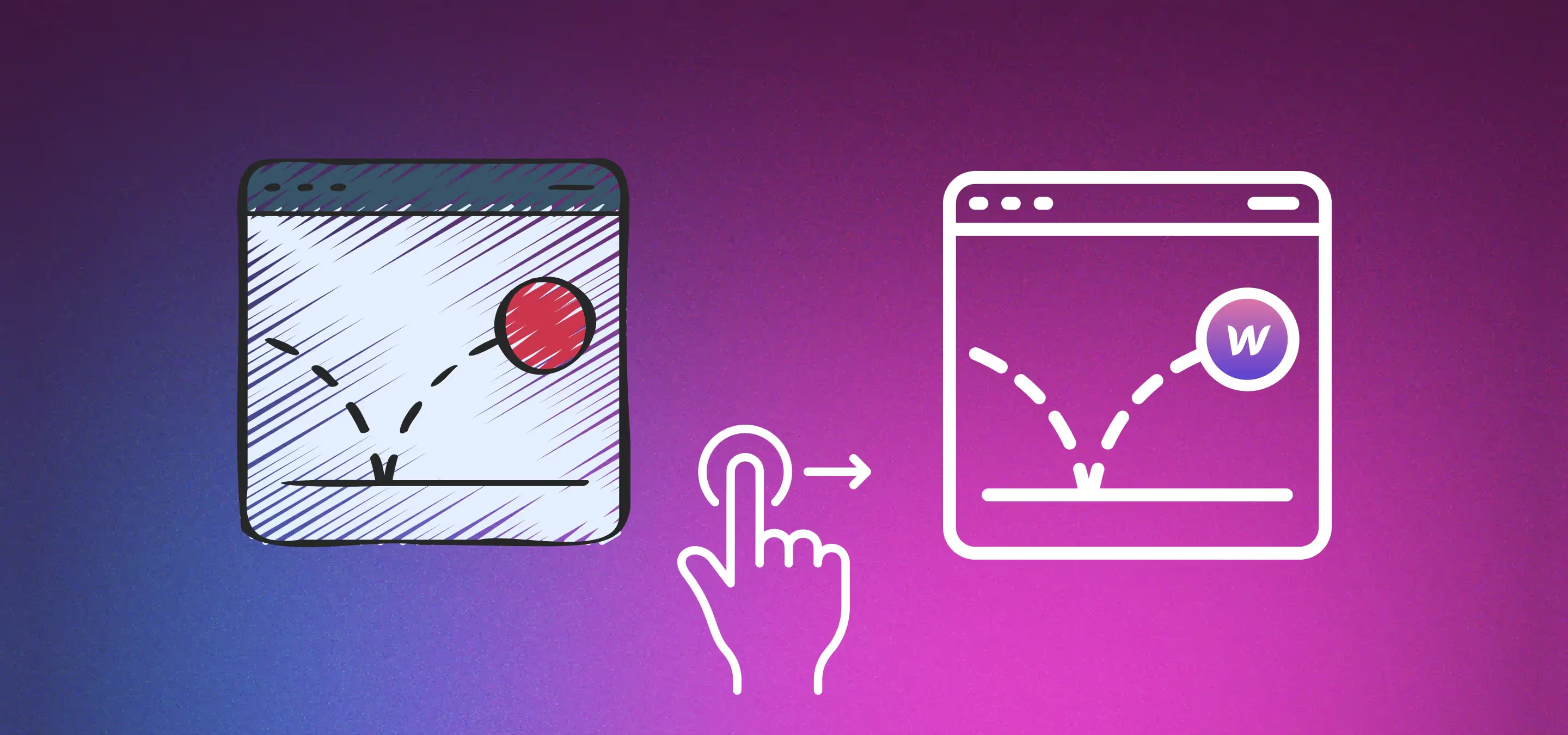
Webflow animations in action: entrance loaders, hover and scroll effects, parallax and microinteractions, with real examples from our own Webflow projects.
Who said websites need to be static, dull affairs? Certainly not us! We’re Milk Moon Studio, a small Webflow studio in South Africa on a quest to debunk this myth and sprinkle the magic dust of animation to turn your website from ordinary to extraordinary.
Animation, or interactions, are the secret sauce that can transform your website from a bland serving of information to a gourmet of interactive experiences. Imagine a plain bread-and-butter website; now picture it embellished with the zest of animation. Suddenly, it's not just a website, it's a journey, an adventure that leaves your users mesmerised. The power of animation can be compared to the transformation of a caterpillar into a butterfly; a mundane, simple existence evolving into a captivating, vibrant display.
Let's get into the magic potion that makes this transformation possible: Webflow. It's not your typical web design tool; it's an alchemist's toolbox filled with potent mixtures of CSS and JavaScript. It provides a visual, intuitive platform for creating intricate, dynamic animations without the need to entangle yourself in the spiderweb of complex code. It’s all still there, the complex code, the spiderwebs, but it gives you the freedom to weave the web visually, seeing what you’re building while you’re building it. These days the JavaScript side of Webflow animations is GSAP, the same animation engine used on many professional sites, and Webflow's own name for it is Interactions with GSAP. So, having waffled for a bit, let’s jump right in, we’ve picked some fairly random examples from the Milk Moon archive.
Entrance animation
First impressions matter, especially in the digital world. Your website's entrance animation, or loader, is like the opening sequence of a blockbuster movie. Done right, it hooks your audience and paves the way for a captivating experience. Thanks to Webflow's interactions and animation tools, we can create entrance animations that make your users feel like they're stepping into a grand digital universe. What used to be a boring circle spinning can become an experience in itself, and what used to be a static hero section can become alive.
If you want to get the timing and movement of a loader just right, our visual guide to easing functions in Webflow interactions shows what each curve actually feels like.
Hover and scroll animations
Who said scrolling had to be a monotonous task? With scroll animations, your website can become an exciting interactive adventure. Picture your users walking through a magical forest, where every scroll reveals a new wonder. That's what we can achieve with Webflow's powerful scroll-triggered animations. Hover animations are another magical feature that can surprise and delight your users, like finding hidden Easter eggs on your website.
Parallax and progression animations
Parallax animations are another exciting tool in our magic kit. Imagine your website as a theatre stage, where elements move at different speeds to create an immersive, three-dimensional effect. And then there are progression animations that build as you scroll, creating a sense of anticipation and discovery that keeps your users engaged and intrigued.
Video is a big part of a lot of these effects, so if you're working with a Vimeo background video, have a look at how we optimise Vimeo background videos in Webflow for better performance.
The beauty of micro interactions
Sometimes, it's the little things that make the biggest difference. Microinteractions or micro interactions are like the pixie dust that adds sparkle to your website. They're tiny animations triggered by user actions, like a button that blushes when hovered over or a menu that elegantly unfurls with a click. These may seem like small touches, but they can leave a lasting smile on your users' faces.
Notice the almost imperceptible shafts of light move behind the text on Atrium’s site.
For Aurora the mouse nudges the head images around.
Small touches can go further than a hover, too. We used the same thinking for the custom slider dots in Webflow, and a single combo class can change how a whole section feels with CSS blend modes in Webflow.
Webflow animations: quick answers
What are Webflow animations?
They're what Webflow calls interactions: a trigger, like a click, a hover, a page load or a scroll, that starts one or more actions on the elements you choose. Some actions are simple, like toggling a class, and others are timed animations.
Do I need to code to animate in Webflow?
No. Interactions with GSAP are built visually in the Interactions panel, with no extra tools, plugins or code. The code is all still there underneath, you just don't have to write it.
When should I use a CSS transition instead of an interaction?
Use a transition for simple one-step feedback, like a link colour change or a button scaling on hover. Reach for an interaction when several elements need to move in sequence, like a section reveal, a scroll effect or a loader.
What is a microinteraction?
A tiny animation triggered by something the user does, like a button that changes when hovered or a menu that unfurls with a click. They're small, but they're often what makes a site feel finished.
So, are you ready to embrace the power of animation and catapult your website into the extraordinary? With Webflow and a touch of animation wizardry from a Webflow Expert, your website will be more than just a digital platform, it will be a captivating, interactive adventure that leaves your users in awe. So, let's get started, shall we? The magic awaits!